
28 September 2026
Boosting a Post vs Running a Proper Facebook Ads Campaign: What’s the Real Difference?
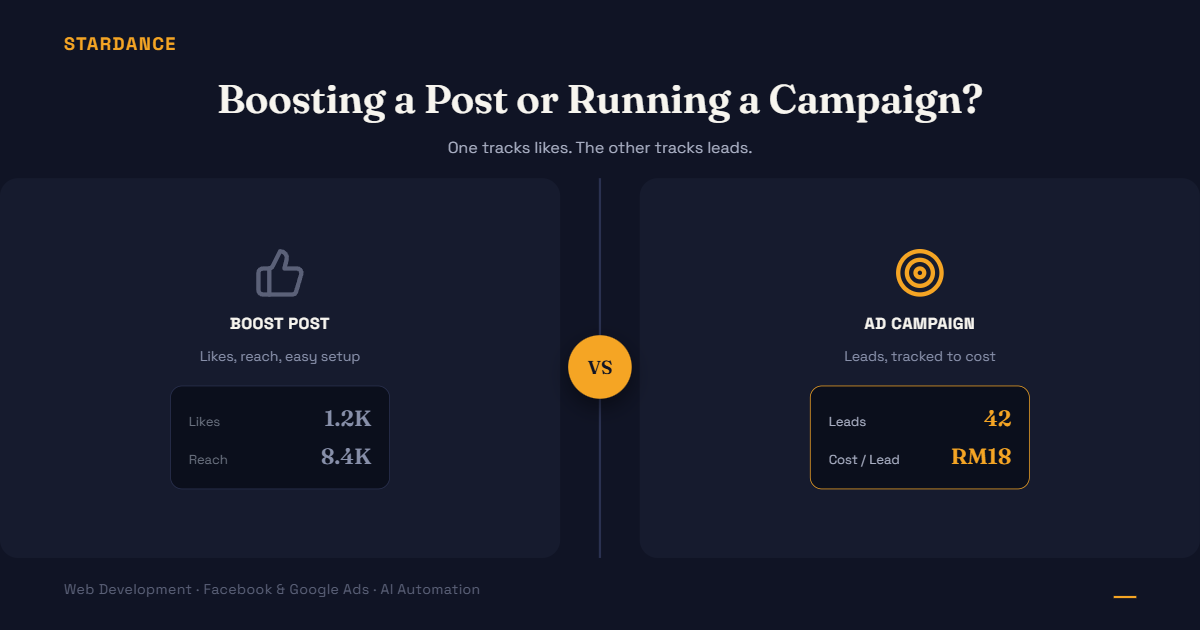
You’ve clicked the blue “Boost Post” button under a photo, put in RM50, and watched the likes tick up. It felt like advertising. Here’s why it usually isn’t doing what you think, and what a proper campaign gets you instead.
What boosting a post actually optimizes for
The Boost button is built for one thing: engagement. It’s designed to get more likes, comments, shares, and reach on that specific post, as fast and simply as possible. That’s genuinely useful if your goal is visibility or social proof.
But it’s a blunt instrument. You get very limited control over who sees it, what action you actually want them to take, and almost no way to track whether it led to an enquiry, a sale, or just a like from someone who was never going to buy anything.
What a proper campaign gives you instead
A campaign built in Meta Ads Manager (not the Boost button) unlocks the parts that actually drive leads:
- A specific objective. Instead of “get engagement,” you choose “get leads,” “get website visits,” “get messages”, and Meta’s delivery system optimizes toward that goal, not toward likes.
- Real audience targeting. Age, location down to specific areas in the Klang Valley, interests, past website visitors, lookalike audiences based on your existing customers , not just “people who follow this Page.”
- Conversion tracking. With the Meta Pixel or Conversions API installed, you can see exactly which ad led to a form submission or purchase, not just which post got the most reactions.
- Creative testing. Run 3–4 versions of an ad simultaneously and let the data show which one actually converts, instead of guessing from one boosted post.
- Budget control that matches your goal. You can set a cost-per-result target and let the algorithm find people likely to convert at that price, something the Boost button doesn’t offer.
Why the Boost button still tricks people
It’s designed to be easy and that’s not an accident. It removes almost every decision a real campaign requires, which makes it feel like you’re “doing ads” with none of the setup. The problem is the metrics it shows you (likes, reach, engagement) look like progress, but they don’t tell you whether a single one of those people became a customer.
A simple test to know which one you’re actually running
Ask: can I see how many leads or sales this specific ad generated, and at what cost per lead? If the honest answer is “no, I can just see likes and reach,” you’re boosting, not running a lead-generation campaign, whatever the interface calls it.
When boosting is still fine
If the actual goal is brand visibility, boosting isn’t wrong, it’s just answering a different question than “how do I get more leads.” The mistake is using it to answer the lead-gen question and being confused when it doesn’t.
Want to know if your current ad spend is actually being tracked properly, or ready to move from boosting to a real lead-generation campaign? [See how we run Facebook and Google Ads campaigns →]